Flip Clock Screensaver
Loading flip clock…
Key Features
Features of Flip Clock Screensaver
Vintage mechanical split-flap full screen digital clock display.
- 01
Authentic 3D Split-Flap Drop Animation
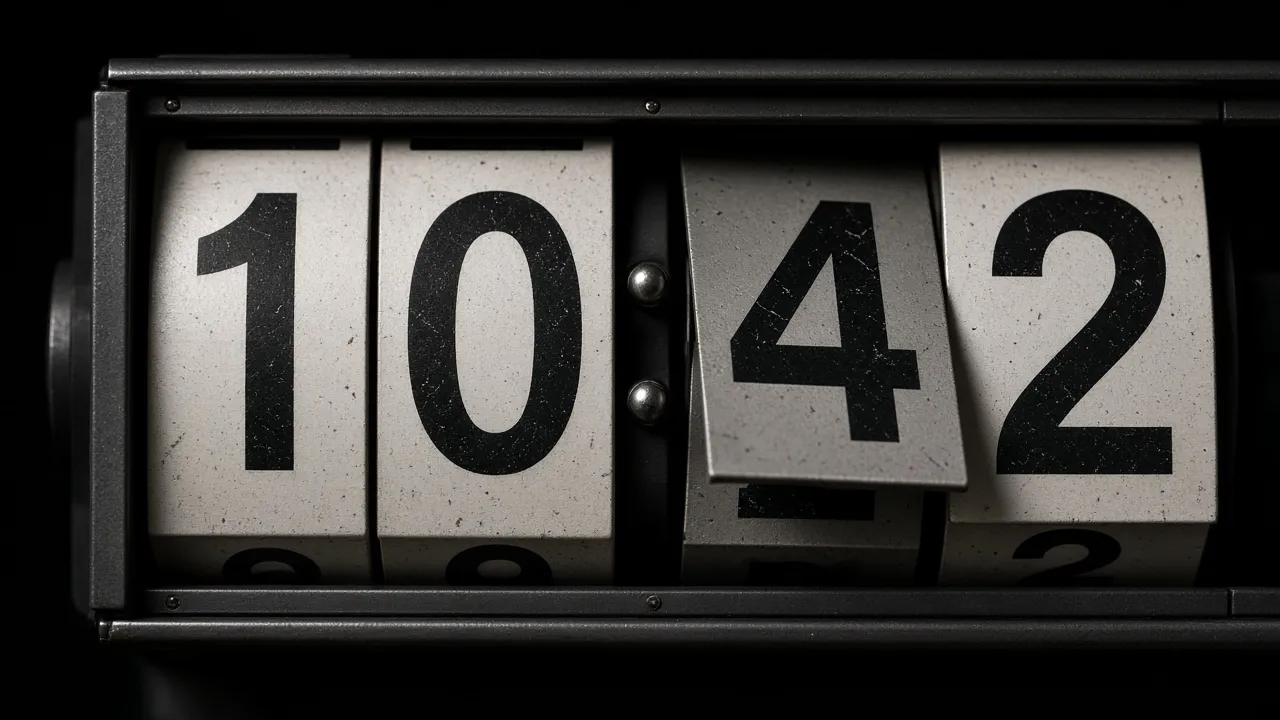
Features hardware-accelerated 3D CSS perspective transforms that recreate the downward drop and shadow mechanics of physical flap cards.
- 02
12-Hour & 24-Hour Time Formats
Easily switch between standard 12-hour AM/PM and military 24-hour timekeeping to match your personal workflow preference.
- 03
Optional Precision Seconds Display
Toggle seconds flaps on or off depending on whether you prefer dynamic ticking motion or calm, minimal minute updates.
- 04
High-Contrast OLED Dark Theme
Deep charcoal and pitch-black flap cards (#18181B / #09090B) with bright ivory numbers deliver outstanding legibility from across the room.
- 05
One-Click True Fullscreen Mode
Press F to conceal all browser UI, transforming your device into a dedicated standalone digital desk clock.
About & Principles
The Timeless Appeal of the Mechanical Split-Flap Clock
Originating in 1950s European train stations and popularized in mid-century Italian design, the electromechanical split-flap display (solari board) remains one of the most beloved industrial design icons in history. Unlike generic digital numbers, a split-flap clock divides each digit across top and bottom hinged flaps, creating a satisfying downward flap motion as minutes turn over.
In the digital era, the flip clock has become the quintessential desktop aesthetic for productivity enthusiasts, software engineers, and minimalist study setups. It provides an immediate, glanceable sense of time without the notifications, widgets, and mental clutter of modern computer desktops.
On Flip Clock Screensaver, Keep screen awake starts checked, but the browser is asked to hold the display only while the page is fullscreen. If the browser refuses, the status line says the display may still dim. Closing the lid can still sleep the computer.
How to use it
How to use Flip Clock Screensaver
Three simple steps. No install, no sign-up, no upload.
- 01
Open the flip clock tool
Launch the clock in any web browser on your computer, iPad, or tablet.
- 02
Configure format & seconds
Select 12h/24h format and toggle seconds in the sidebar control panel.
- 03
Enter true fullscreen
Press F or click the Flip Clock Screensaver preview to fill the screen. Esc leaves it.
- 04
Exit with Esc
Hit Esc to leave Flip Clock Screensaver and return to the browser.
Why this tool
Why choose Flip Clock Screensaver
Engineered for distraction-free performance, privacy, and zero latency.
- 01
Aesthetic Focus Workspace
Creates a calming, notification-free environment that encourages deep focus, studying, and Pomodoro work sessions.
- 02
Fullscreen screen lock
Ensures your clock runs continuously without monitor sleep or power-saving screen timeouts.
- 03
Zero Software Installation
No apps to buy, no system screensaver files to install, and no elevated permissions required.
- 04
Repurpose Old Tablets & Monitors
Give old iPads, Android tablets, or auxiliary monitors a second life as an elegant, permanent desk clock.
Practical Use Cases
What people use Flip Clock Screensaver for
Real-world scenarios with tested setup parameters and operational guidance.
Minimalist Study & Pomodoro Desk Setup
Keep time visible while studying or coding without checking your distracting phone or pulling down lock screens.
SetupFullscreen · 12-Hour Mode · Seconds OffActionPlace tablet on a desk stand next to your keyboard.NoteLower screen brightness at night to reduce eye strain.Twitch & YouTube Studio Background
Add an aesthetic, functional retro clock to your camera background during live streaming and video recording sessions.
SetupSecondary Monitor · 24-Hour Mode · Dark StudioActionPosition screen behind your streaming chair.NoteAngle screen away from direct key lights to prevent glare.Conference Room & Meeting Stage Clock
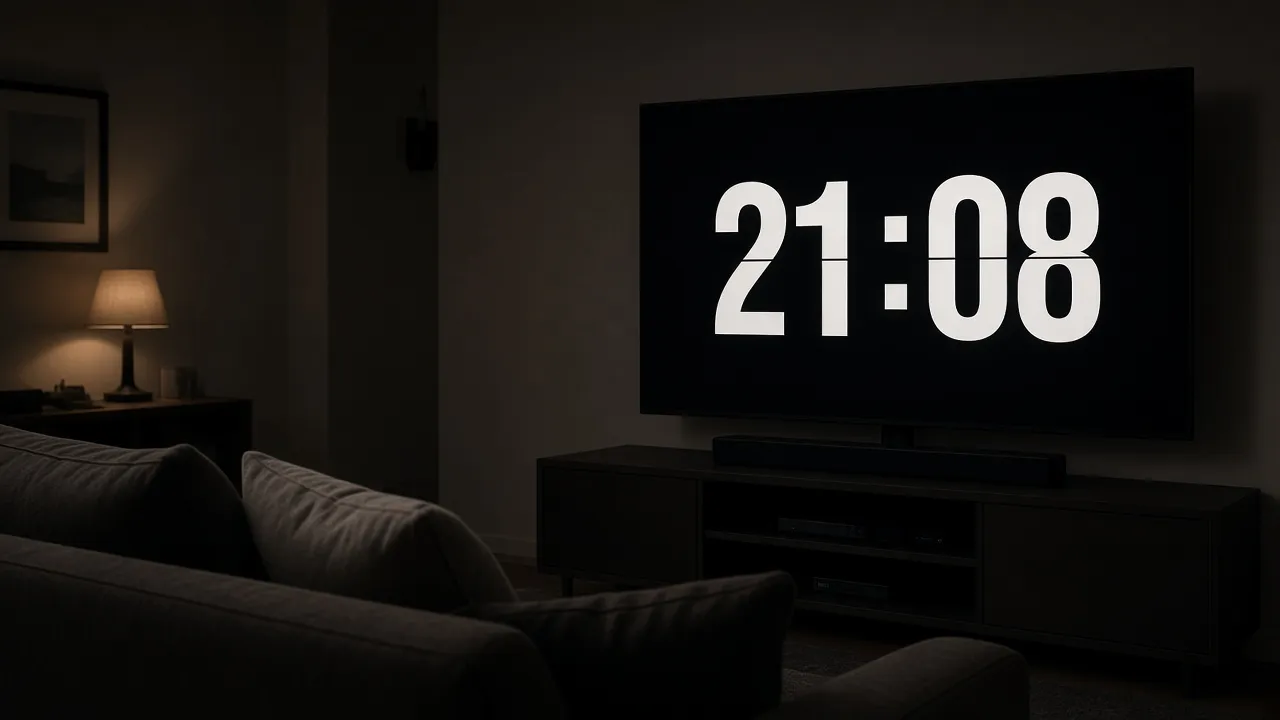
Display a large, high-visibility digital clock on meeting room TVs and auditorium podiums during timed presentations.
SetupLarge Display / TV · Seconds ActiveActionConnect laptop via HDMI and enter fullscreen.NoteTest HDMI scaling before starting the presentation.Nightstand & Bedside Ambient Clock
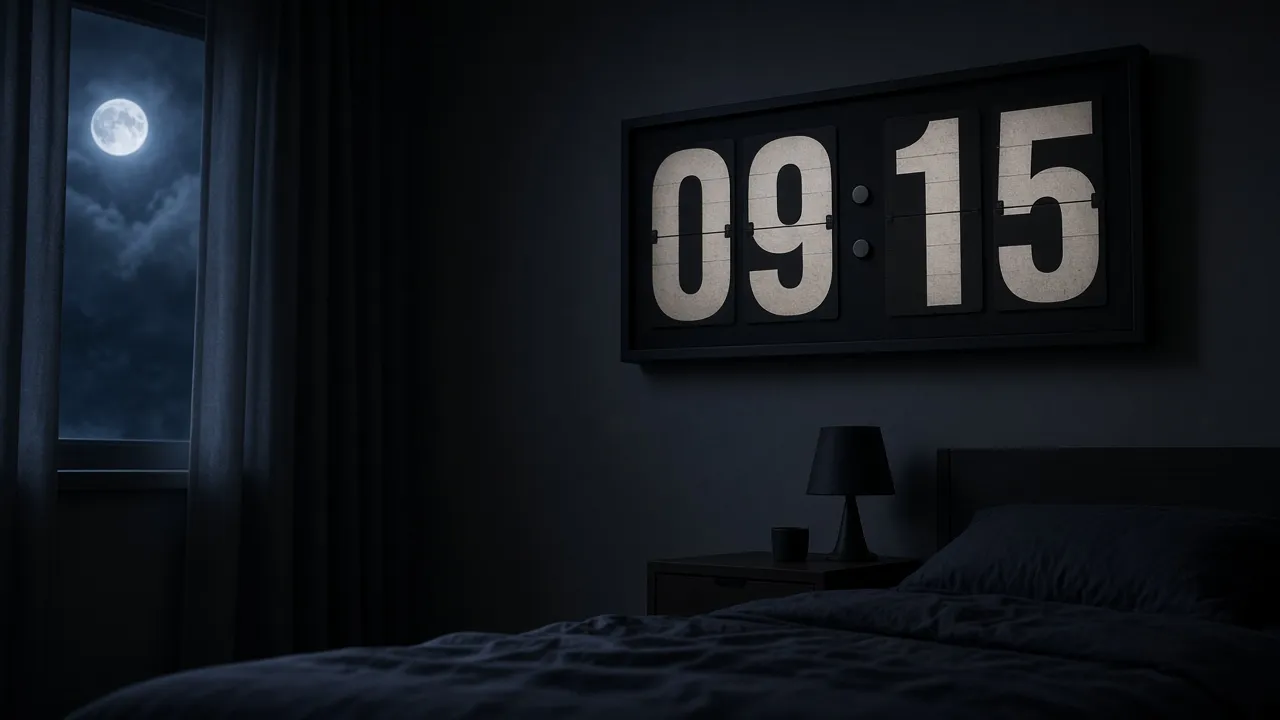
Turn a spare phone or tablet into an unobtrusive bedside clock with low-light readability.
SetupLowest Brightness · Fullscreen · Auto-AwakeActionRest device horizontally on a charging dock.NoteEnsure device is plugged into a charger for all-night use.
Pro tips
Tips & limits
Honest notes from real-world use. No fluff.
- Note
Toggle off the seconds display if you prefer a peaceful, motionless clock that only flips once every minute.
- Note
Press F on Flip Clock Screensaver to hide the browser chrome. It does not close your other tabs.
- Note
Mount an old iPad on a wooden tablet stand to create a luxurious retro desk centerpiece.
- Note
Press Esc or tap the Flip Clock Screensaver screen to leave fullscreen. The page does not time that exit.
FAQ
Frequently asked questions
Straight answers about how Flip Clock Screensaver works.
Does the 12-hour face change my time zone?
The digits follow the device clock, and the 12-hour or 24-hour choice only changes the face, not the time zone. Show seconds is only a face option. The time is the device's local time.
Is this flip clock synchronized with my real device time?
Yes! The clock reads your device’s local system clock directly via JavaScript Date APIs, ensuring 100% time accuracy synchronized with atomic internet time.
How do I toggle between 12-hour and 24-hour time?
Use the controls in the sidebar drawer or press the format toggle to instantly switch between 12-hour AM/PM and 24-hour military time.
Will my computer or tablet screen turn off while the clock is running?
For Flip Clock Screensaver, Keep screen awake starts checked, but the browser is asked to hold the display only while the page is fullscreen. If the browser refuses, the status line says the display may still dim. Closing the lid can still sleep the computer.
Can I display this on an old iPad or Android tablet?
Yes! It runs in any mobile web browser including Safari and Chrome, making it perfect for turning older tablets into dedicated desk clocks.
Does this flip clock make clicking or flapping sound effects?
The clock runs silently by default so it never disrupts quiet study environments, libraries, or recording studios.
How do I enter and exit fullscreen mode for Flip Clock Screensaver?
Press F to enter borderless fullscreen mode, and press Esc at any time to return to your normal desktop. On the flip-clock page the format menu says 24 hour or 12 hour.
Is this clock completely free to use?
Yes, 100% free with no registration, no app downloads, and no watermarks in fullscreen mode. On the flip-clock page the format menu says 24 hour or 12 hour.
Can I hide the seconds display?
Yes, simply uncheck the "Show seconds" toggle in the settings panel to display only hours and minutes.
Does this page work offline for Flip Clock Screensaver?
Yes, once loaded, all assets and timing scripts run locally in your browser cache without requiring an active internet connection.
Does this clock drain heavy battery power?
No. The 3D CSS transforms are GPU-accelerated and only re-render when a digit flips, consuming negligible battery power.
Ready when you are
Launch Flip Clock Screensaver
Instant fullscreen mode in your browser — zero install, zero sign-up.
Go fullscreen