Pink Noise Sound Generator
Loading pink noise…
Key Features
Features of Pink Noise Sound Generator
Balanced 1/f acoustic energy offering a gentle, deeper alternative to harsh white noise.
- 01
Mathematical 1/f Fractal Filter
Precision digital acoustic filtering accurately shapes continuous audio to a strict -3 dB/octave slope for true pink noise balance.
- 02
Organic Raindrop & Waterfall Tone
Dampens abrasive high frequencies to deliver an organic, comforting soundscape favored by light sleepers and sound-sensitive listeners.
- 03
Low-Latency Background Playback
The sound is generated in this tab. A background tab can still hitch, and this page does not promise uninterrupted playback.
- 04
Zero Battery-Draining Network Streaming
Synthesized directly on your device chip with zero cloud network bandwidth usage and zero audio streaming delay.
About & Principles
How this page shapes 1/f pink noise
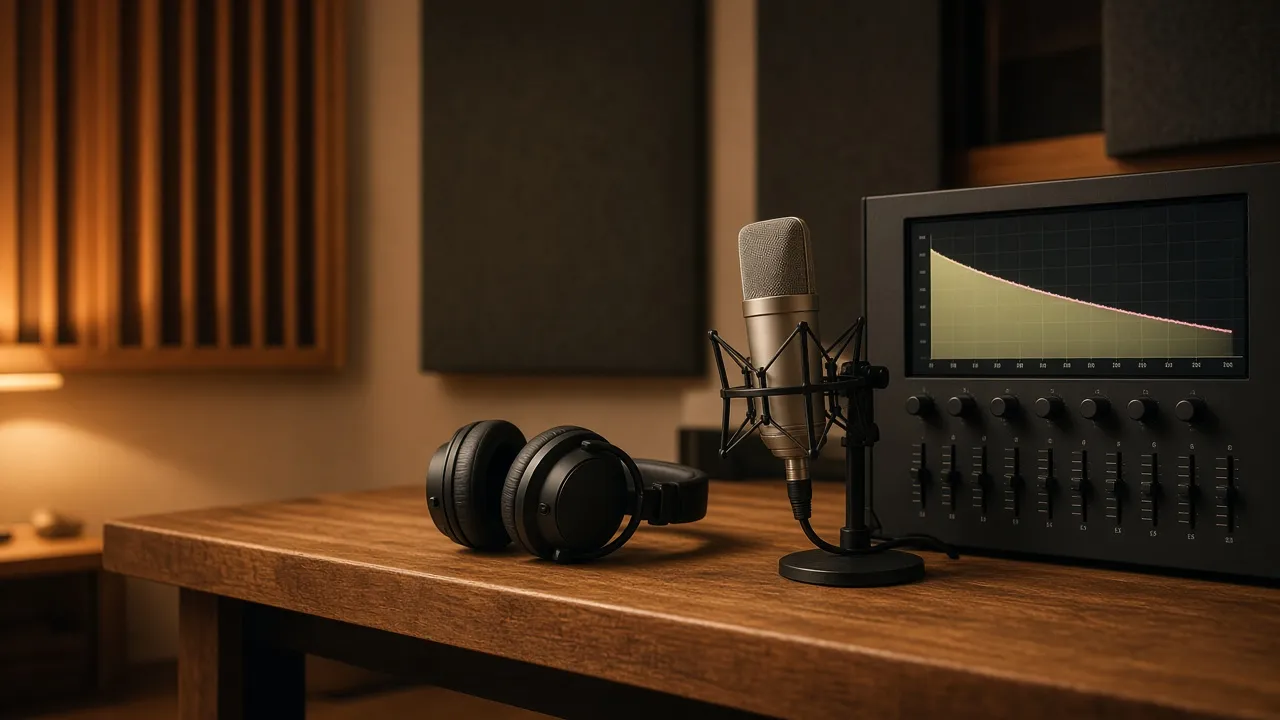
While white noise possesses equal energy per frequency increment (giving it a bright, hissing profile), pink noise features equal energy per octave band. To compensate for wider octaves at higher pitches, its power density rolls off at a rate of 3 dB per octave (proportional to 1/f). That slope describes the hiss, not a change in sleep or recall.
A short lab clip of pink noise is not the same as leaving this generator on all night, and this page does not claim it will consolidate memory. It also does not claim deeper sleep stages or a clearer morning.
Our browser tool implements an uncompressed digital filter that shapes random white noise into a 1/f power slope in real time. Because it generates sound on this device with the Web Audio API, playback does not depend on a repeating MP3 file.
How to use it
How to use Pink Noise Sound Generator
Three simple steps. No install, no sign-up, no upload.
- 01
Start Sound Generation
Click anywhere on the preview stage or tap the Play button to activate the pink noise audio node.
- 02
Set Gentle Sound Level
Adjust the volume slider to create a soothing background murmur resembling distant gentle rainfall.
- 03
Engage Sleep Fullscreen
Hit F to turn the screen into a minimal dark view, or leave the window in the background while studying.
Why this tool
Why choose Pink Noise Sound Generator
Engineered for distraction-free performance, privacy, and zero latency.
- 01
Warmer Than White Noise
Many listeners find raw white noise too sharp or piercing for long sleep sessions. Pink noise softens the high-end hiss into a rich, velvety rumble.
- 02
Not a sleep-lab result
A short lab clip of pink noise is not the same as leaving this generator on all night, and this page does not claim it will consolidate memory.
- 03
Zero Repetitive Audio Clues
Unlike audio loops that repeat every 60 seconds, algorithmic generation never creates recognizable rhythm patterns that alert your brain.
- 04
Completely Free & Ad-Free
No video ad interruptions in the middle of the night, no subscription paywalls, and no account registrations required.
Practical Use Cases
What people use Pink Noise Sound Generator for
Real-world scenarios with tested setup parameters and operational guidance.
All-night playback is optional
You can leave pink noise on while you sleep. That choice is not evidence that the sound will deepen sleep or store memories.
SetupSpeaker out of the bed, volume set by earActionOn Pink Noise Sound Generator, Keep screen awake starts checked, but the browser is asked to hold the display only while the page is fullscreen. If the browser refuses, the status line says the display may still dim. Closing the lid can still sleep the computer.NoteUse the Sleep timer if you want the sound to stop before morning.Nursery Soothing for Newborns & Infants
A low, steady sound is something some caregivers try at nap time. This page does not promise longer naps, and it does not recreate a medical soundscape.
SetupSpeaker placed at least 2 meters away from crib, volume equivalent to quiet showerActionStart playback 15 minutes before scheduled naptime to establish sleep cueNoteKeep the speaker out of the crib and farther than a hand can reach. This page does not measure loudness.A steady hiss while you code or write
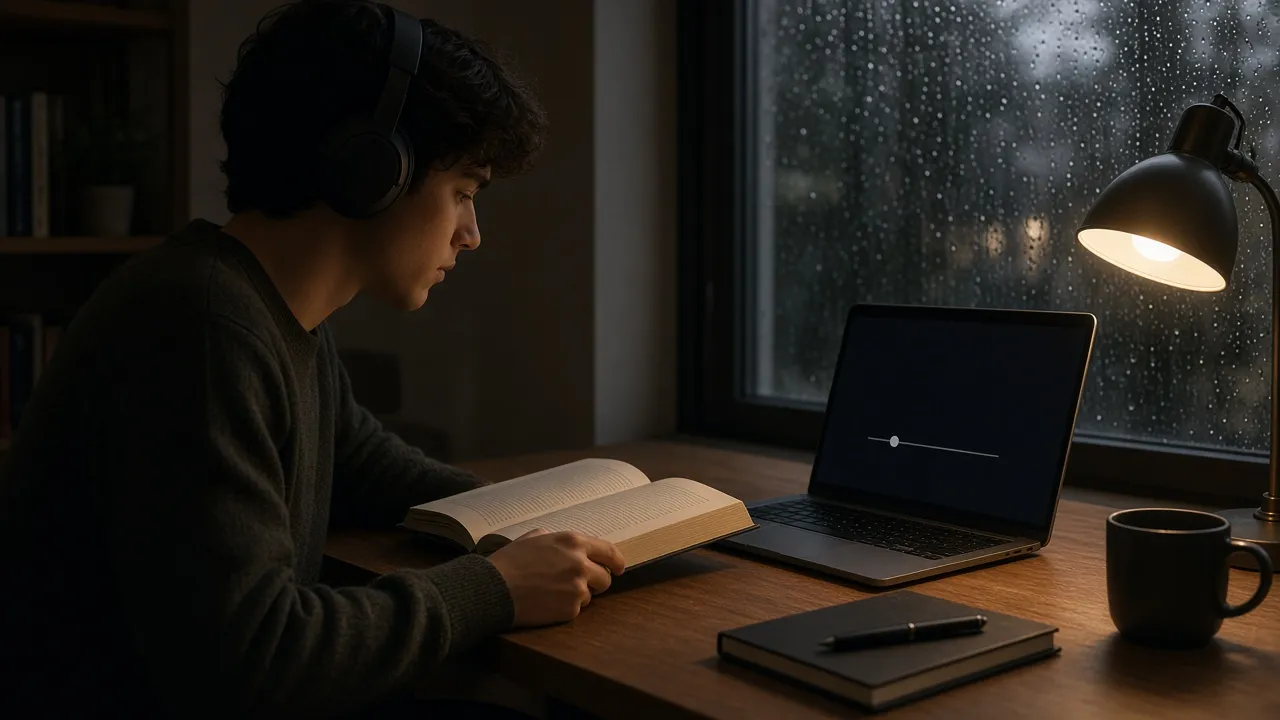
Some people leave pink noise on while they work so the room stays steady. This page does not claim a focus or memory result.
SetupOver-ear headphones at 35% volumeActionKeep tool open in pinned tab during 3-hour focus sprintsNotePair with physical stretch breaks to maintain ergonomic health.Masking is not treatment
A rain-like hiss can cover sudden high sounds for some listeners. This page does not treat tinnitus.
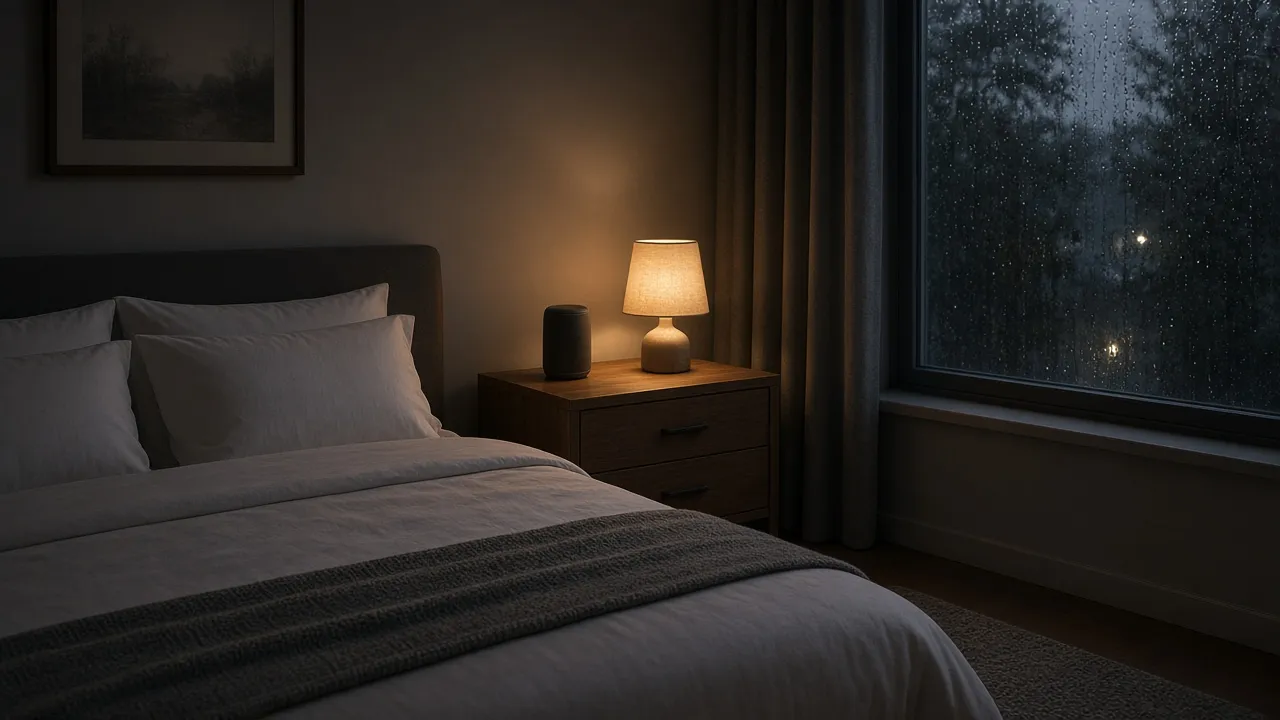
SetupSoft Volume · Bedside Speaker · Dark ModeActionPlay continuous audio 30 minutes before sleep.NoteSet the volume by ear. There is no decibel meter on this page.
Pro tips
Tips & limits
Honest notes from real-world use. No fluff.
- Pink vs Brown
If pink noise still feels slightly too crisp for your ears, try our brown noise tool for an even deeper sub-bass rumble.
- Acoustic Balance
In small bedrooms, aim speakers toward hard walls to create diffuse, gentle reflections rather than direct acoustic beams.
- Sound Conditioning
Give yourself 3 consecutive nights to habituate to pink noise if you are used to sleeping in absolute silence.
- Battery Charging
Always keep your phone or tablet connected to power when running overnight sleep soundscapes.
- Mobile Safari Tip
Ensure silent mode switch on iPhones is not disabling web media playback if you experience quiet output.
FAQ
Frequently asked questions
Straight answers about how Pink Noise Sound Generator works.
Why is pink noise called pink?
The name originates from color analogy in optics. White light contains equal energy across all wavelengths. If you emphasize longer, lower-frequency red wavelengths, the light looks pink. Similarly, acoustic pink noise emphasizes lower octaves.
Will leaving pink noise on all night consolidate memory?
A short lab clip of pink noise is not the same as leaving this generator on all night, and this page does not claim it will consolidate memory. The Sleep timer on this page can fade the sound out after the stretch you pick.
Is pink noise better for sleep than white noise?
Most sleepers prefer pink noise because it reduces the high-frequency treble hiss present in white noise, creating a sound closer to natural rain or wind.
Can pink noise damage hearing if played continuously?
This page cannot tell you a safe sound level. Keep the hiss quieter than conversation, and use the Sleep timer if you do not want it running until morning.
Does this pink noise generator work on iOS and Android phones?
Yes. It functions seamlessly in Safari, Chrome, Firefox, and Edge browsers across iPhone, iPad, Android phones, and desktop computers.
Will this generator keep playing if I switch browser tabs?
Yes. The Web Audio engine operates on an independent hardware thread and continues streaming smoothly while you work in other browser tabs.
Does pink noise help mask high-pitched neighbors or dogs?
Pink noise masks mid-frequency and lower-frequency noise exceptionally well. For very sharp high-pitch noises, white noise offers slightly higher masking power.
Can I download an MP3 file of this pink noise?
Because our tool generates dynamic real-time audio with zero compression, we recommend playing it directly in your browser bookmark for superior audio fidelity.
Does the tool require an active internet connection after loading?
Once the page loads in your browser, the JavaScript synthesizer operates entirely locally in client memory without needing active Wi-Fi or data.
How can I adjust the tone or volume quickly?
Use the volume slider on the right-hand panel, or use your computer hardware volume keys for instantaneous decibel adjustment.
Ready when you are
Launch Pink Noise Sound Generator
Instant fullscreen mode in your browser — zero install, zero sign-up.
Go fullscreen