Purple Screen
Purple background
Format
Size
Solid purple video for monitor testing, a light source, or projector background.
Key Features
Features of the purple screen tool
A rich #800080 purple screen — cinematic moody rim lighting, luxury tech photography, and red-blue subpixel balance.
- 01
Exact #800080 Royal Purple Geometry
Drives the red and blue subpixel channels at calibrated half-intensity (128) while green remains completely extinguished at zero, delivering true royal purple without lavender desaturation.
- 02
100% Client-Side In-Browser Execution
Operates entirely within your local browser sandbox without standalone desktop application packages, third-party browser add-ons, or telemetry cookies, ensuring immediate operational readiness and total workstation privacy.
- 03
Multi-Resolution Lossless PNG Export
Download exact-dimension purple screen wallpapers in standard 1080p, 4K, 8K (7680x4320), or custom dimensions for creative digital branding, live stream overlays, or professional video editing assets.
- 04
Opposing Extreme-Channel Balance Test
Because purple bridges the longest visible wavelengths (red) and shortest visible wavelengths (blue), any panel driver voltage variance or emitter wear instantly creates an obvious magenta or indigo color cast.
About
Why cinematic cinematography relies on a rich purple screen
In optical color theory and cinematic lighting, purple occupies a unique physiological status as a non-spectral color. True purple cannot be generated by a single wavelength of light; instead, it is synthesized when human retinal L-cones (sensitive to 650 nm red light) and S-cones (sensitive to 450 nm blue light) are stimulated simultaneously without exciting intermediate M-cones (green). At RGB(128,0,128), this creates a captivating visual tension between thermal warmth and icy cool, evoking feelings of mystery, futuristic technology, and premium elegance.
In professional film production and music video lighting, cinematographers frequently employ saturated purple for an advanced lighting technique known as colored negative fill. Rather than allowing shadow areas on an actor's face to drop off into muddy black or flat grey, lighting designers cast a subtle purple fill into the shadows. This infuses the scene with dimensional depth and atmospheric mood without elevating the camera exposure or washing out key contrast.
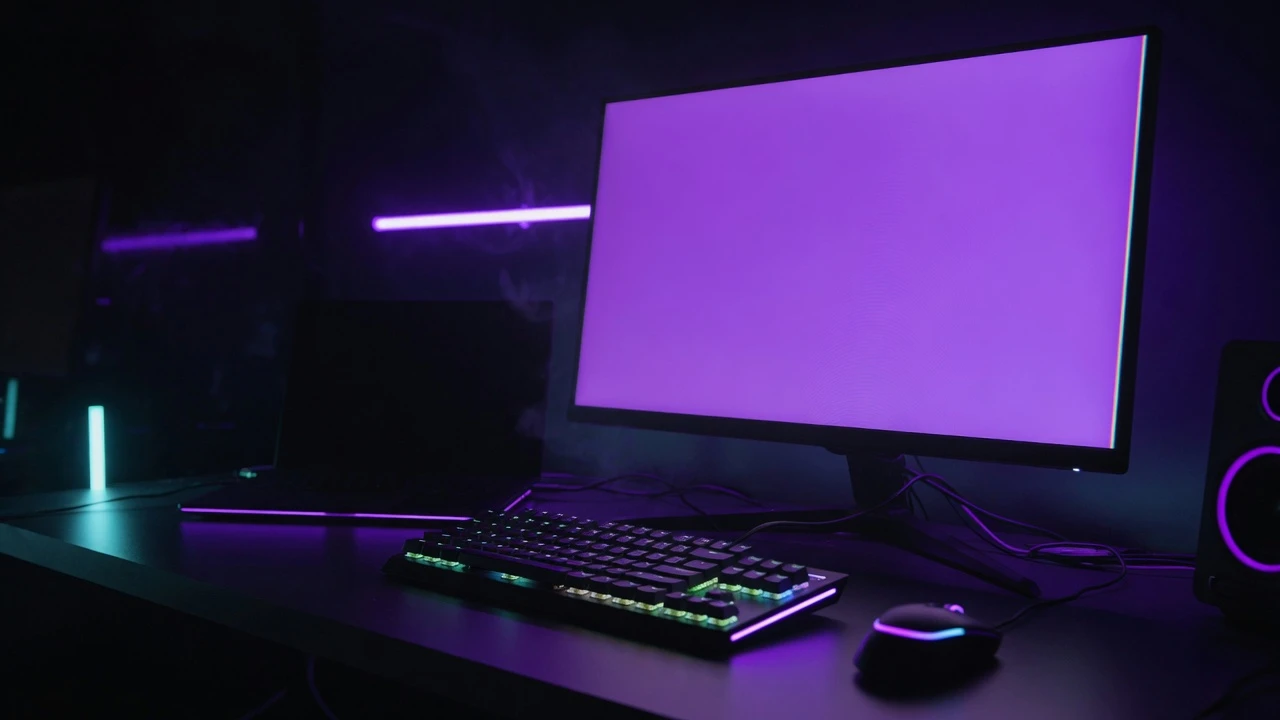
For creative live streamers and product photographers, an online fullscreen purple screen provides an accessible, zero-cost studio wash light. Placing a laptop or tablet displaying pure purple behind high-end consumer technology, luxury cosmetics, or gaming peripherals instantly transforms ordinary product snapshots into polished commercial marketing assets.
How to use it
How to use the purple screen
Three simple steps. No install, no sign-up, no upload.
- 01
Launch fullscreen display mode
Click the central purple preview canvas or press F on your physical keyboard. The page instantly expands to fill your entire screen, eliminating toolbars, tabs, and desktop taskbars.
- 02
Position for creative lighting or inspection
For portrait rim lighting, position the display 45 degrees behind the subject at 70% brightness. For display testing, dim room lights and inspect for asymmetric red or blue tint drift.
- 03
Exit cleanly or download the wallpaper
Press the Esc key on your keyboard or tap once on touchscreen devices to exit fullscreen smoothly. If you require an offline asset, choose your resolution under Download and save the solid purple PNG.
Why this screen
Why choose the purple screen
Engineered for display testing, photography lighting, and visual focus.
- 01
Authentic royal #800080 saturation
Many web tools display desaturated lavender or washed-out violet. This purple screen renders mathematically pure royal purple, ensuring the rich color depth demanded by filmmakers.
- 02
Cinematic colored negative shadow fill
Enriches shadow detail with subtle colored dimension rather than harsh brightness, giving independent filmmakers and video creators high-production-value lighting without renting expensive studio lighting fixtures.
- 03
High-end luxury & tech styling
Serves as the established commercial industry aesthetic backdrop for flagship smartphones, gaming hardware, and designer fragrances, adding immediate value and premium appeal to product imagery.
- 04
Dual-pole subpixel hardware stress check
Simultaneously evaluates your panel's shortest and longest wavelength subpixels; if your screen leans toward violet or maroon, your display's blue or red channel output has drifted.
Practical Use Cases
What people use the purple screen for
Real-world scenarios with tested setup parameters and operational guidance.
Cinematic neo-noir rim lighting for creative portraits
Add a dramatic moody rim light along the edge of human subjects to create Blade Runner-inspired neo-noir lighting on a modest production budget.
SetupIndoor video studio with a warm amber or neutral tungsten key light on the face.ActionPlace an iPad or laptop running this purple screen 45 degrees behind the subject as a saturated rim kicker.NoteKeep the purple light strictly on the edge and hair silhouette; avoid pointing direct purple light directly into facial center.Cyberpunk esports streaming room ambient wash
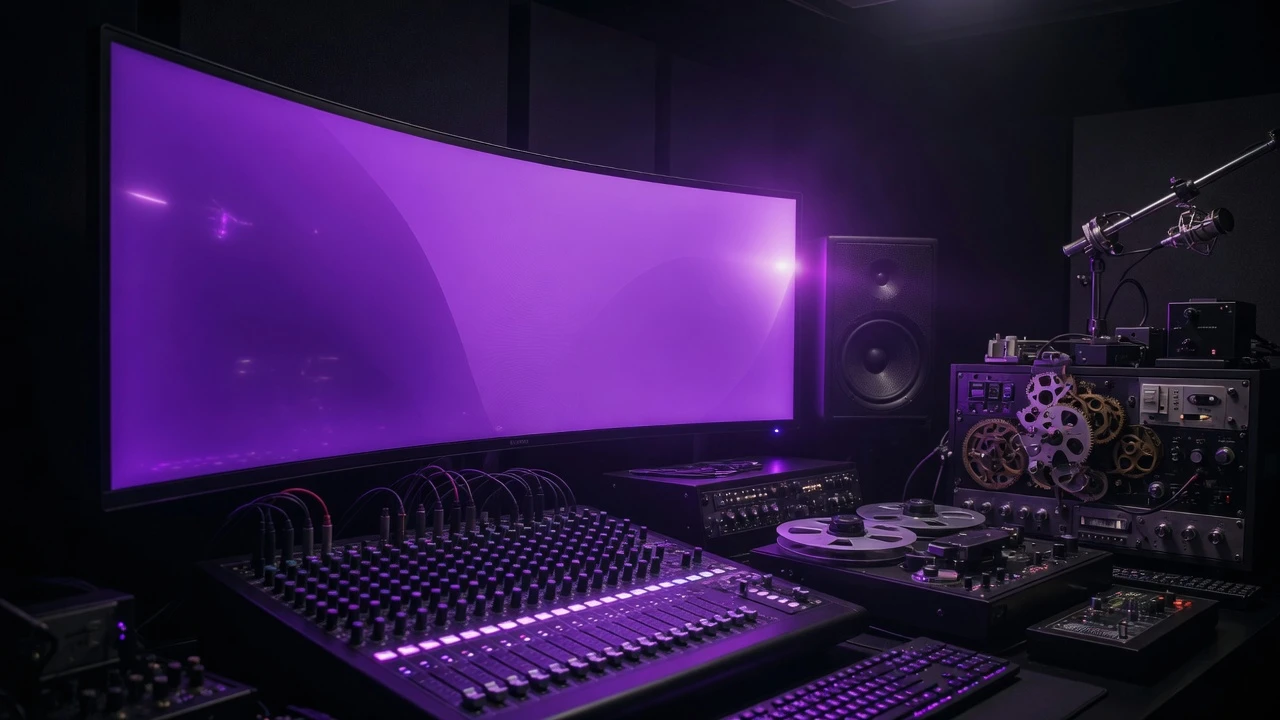
Bathe your gaming desk, acoustic wall panels, and microphone boom arm in a rich, electric violet atmospheric glow for Twitch or YouTube streams.
SetupGaming battle station with secondary monitors angled toward background walls.ActionOpen the purple screen in fullscreen on an auxiliary monitor to bounce saturated violet light into the camera background.NoteCombine with warm ambient desk backlighting to create striking complementary color contrast in the webcam shot.Luxury tech & smartphone commercial product photography
Highlight the polished titanium edges, matte glass finishes, and sleek geometry of flagship smartphones and audio equipment.
SetupTabletop macro photo station with a tablet placed at a 90-degree angle to the product.ActionDisplay the purple screen to cast sophisticated jewel-toned reflections across reflective device surfaces.NoteShoot with a polarizing filter to control the intensity of specular screen reflections on glossy metallic chassis.Designer fragrance & cosmetics catalog backdrop
Elevate perfume bottles, scented candles, and luxury cosmetic packaging with a rich, mysterious royal backdrop that conveys premium value.
SetupCommercial product photoshoot table with transparent acrylic product pedestals.ActionPosition a large monitor displaying the purple screen directly behind the product as a backlit illuminated sweep.NoteSet your camera aperture to f/4 or f/5.6 to maintain razor-sharp focus on brand typography while softening the screen texture.Display red-blue subpixel balance & channel drift check
Diagnose whether your display's red and blue channels maintain synchronized 50% power tracking across all panel zones.
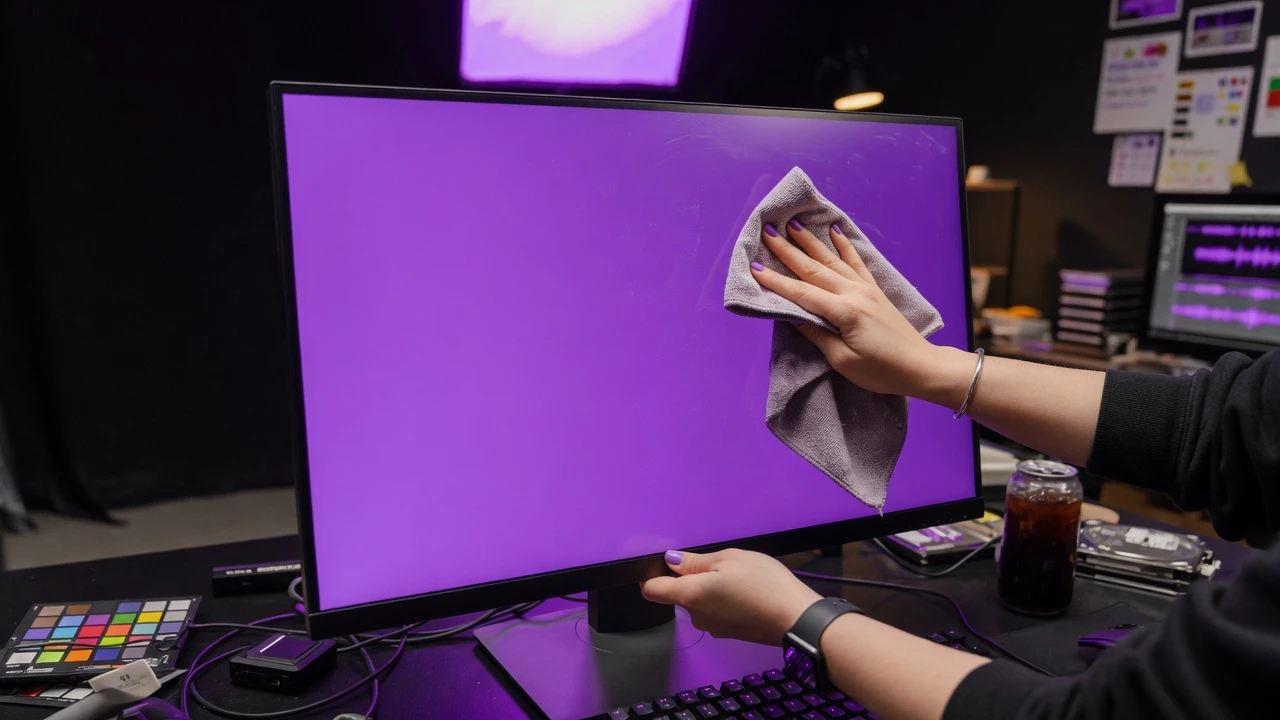
SetupCalibrated color grading bay or photography monitor workspace.ActionLaunch the purple screen in fullscreen and inspect whether corners appear noticeably more reddish or bluish.NoteAsymmetric channel degradation on older OLED panels frequently manifests as localized violet patches on purple fields.Indie music video & podcast cover art reference
Test typography legibility, contrast survival, and album artwork hierarchy against a rich, moody saturated violet background.
SetupGraphic design studio drafting album cover art and podcast thumbnails.ActionUse the purple screen on a secondary monitor to evaluate how bright yellow or white typography contrasts against purple.NoteHelps ensure cover designs remain visually impactful on mobile streaming apps with dark mode interfaces.Low-fatigue evening creative writing & coding ambiance
Provide a calming, moody secondary monitor ambiance during late-night scriptwriting, music sequencing, or coding sprints.
SetupCreative home studio during late-night creative sessions.ActionDisplay the purple screen at 35% brightness on a side monitor to illuminate desk surfaces without intrusive glare.NoteKeeps ambient illumination comfortable while eliminating the clinical distraction of bright desktop icons.Colorimeter profiling reference for royal purple secondary
Verify that display calibration color engines map complex non-spectral purple chromaticity targets accurately under DCI-P3 gamut constraints.
SetupProfessional video mastering suite utilizing an optical spectrophotometer.ActionDisplay the full purple screen and position the sensor puck directly over the screen center.NoteEnsure dynamic local dimming, ambient light sensors, and GPU digital vibrance enhancements are deactivated.
Pro tips
Tips & limits
Honest notes from real-world use. No fluff.
- Lighting technique
Pair this purple screen with a warm orange or gold key light on the opposite side to achieve iconic cinematic color contrast.
- Brightness tuning
Running purple at 70%–80% brightness creates a rich velvet tone; running at 100% can shift the hue toward harsh neon violet.
- Exposure planning
Saturated purple possesses lower optical luminance than white or yellow; compensate with a wider camera aperture or slightly higher ISO.
- Panel diagnosis
If the purple screen appears distinctly maroon or navy, your monitor's red or blue channel output is severely unbalanced.
- Common failure
Confusing royal purple (#800080) with pastel lavender or magenta; true purple delivers deep, dramatic shadows without milky washing.
FAQ
Frequently asked questions
Straight answers about how the purple screen works.
What is the exact color code of this purple screen?
This page displays mathematically pure #800080 (RGB: 128, 0, 128), the recognized international standard for royal purple. It delivers deep, saturated color depth without the washed-out lightness of lavender.
How do cinematographers use purple for 'negative fill'?
Instead of leaving shadow areas on an actor's face as flat black, cinematographers bounce subtle purple light into the shadows. This adds rich three-dimensional color depth without artificially increasing scene exposure.
Can I use this purple screen as a main key light on a face?
Generally no. Pure purple as a frontal key light creates an unnatural, theatrical mask on human skin. The ideal technique is using purple as a background wash or 45-degree edge rim light paired with a warm key.
How can this purple screen diagnose monitor panel health?
Because purple combines the extreme ends of the visible spectrum (long-wave red and short-wave blue), any imbalance in subpixel power or driver voltage will instantly show as an uneven reddish or bluish color cast.
Why does my purple screen look slightly blue or indigo?
If your purple screen leans heavily toward indigo, your display's blue subpixels are over-driven or your red channel has degraded with age. Comparing it alongside a calibrated screen reveals panel drift.
Can I download an uncompressed pure purple screen wallpaper?
Yes. Navigate to the Download menu to save an uncompressed #800080 PNG file at standard resolutions up to 8K (7680x4320), or enter custom dimensions for streaming graphics and video timeline backgrounds.
Is this purple screen suitable for product photography?
Yes. Purple is the commercial aesthetic standard for luxury perfumes, high-end smartphones, titanium jewelry, and gaming hardware, creating a moody, premium atmosphere that enhances product desirability.
How do I exit fullscreen mode on desktop and mobile?
On desktop keyboards, tap the Esc key or move your mouse downward to reveal the Exit button. On smartphones and tablets, simply tap once anywhere on the display.
Does this purple screen tool require an active internet connection?
No. The entire rendering logic runs locally in your browser cache. Once loaded, you can disconnect network access and use the purple screen completely offline in any studio setting.
Can leaving a purple screen running damage an OLED display?
Modern OLED screens feature burn-in mitigation, but running any static saturated color at maximum brightness for dozens of continuous hours can cause differential subpixel aging. Keep brightness at moderate levels.
Does this tool collect telemetry data or request camera permissions?
No. The tool is 100% private, client-side, and ad-free. It does not access your webcam, microphone, or local filesystem, and transmits zero telemetry or analytics back to external servers.
Ready when you are
Open the purple screen
One click fills your display — no install, no sign-up, no upload.
Go fullscreen