Radar Screen Simulator
Loading radar screen…
Key Features
Features of Radar Screen Simulator
High-precision military green rotating sonar and air traffic radar screen.
- 01
Sweep speed slider
Sweep speed is a slider. The bright trail is a painted fade, not phosphor on a tube.
- 02
Tactical Range Rings & Azimuth Grids
The drawing has four rings and N, E, S, W labels. It does not label distances.
- 03
Dynamic Phosphor Blip Decay
Each blip is a drawn dot that brightens when the sweep passes and then fades. The dots are not detected targets.
- 04
Authentic Military Green Aesthetic
The sweep is green because the drawing uses green. That color is not a calibrated phosphor and it does not treat eye strain.
- 05
Instant Fullscreen Ambient Display
One-click fullscreen transforms office monitors, background streaming screens, and studio props into immersive command centers.
About & Principles
The Technology & Aesthetics of Phosphor Radar Displays
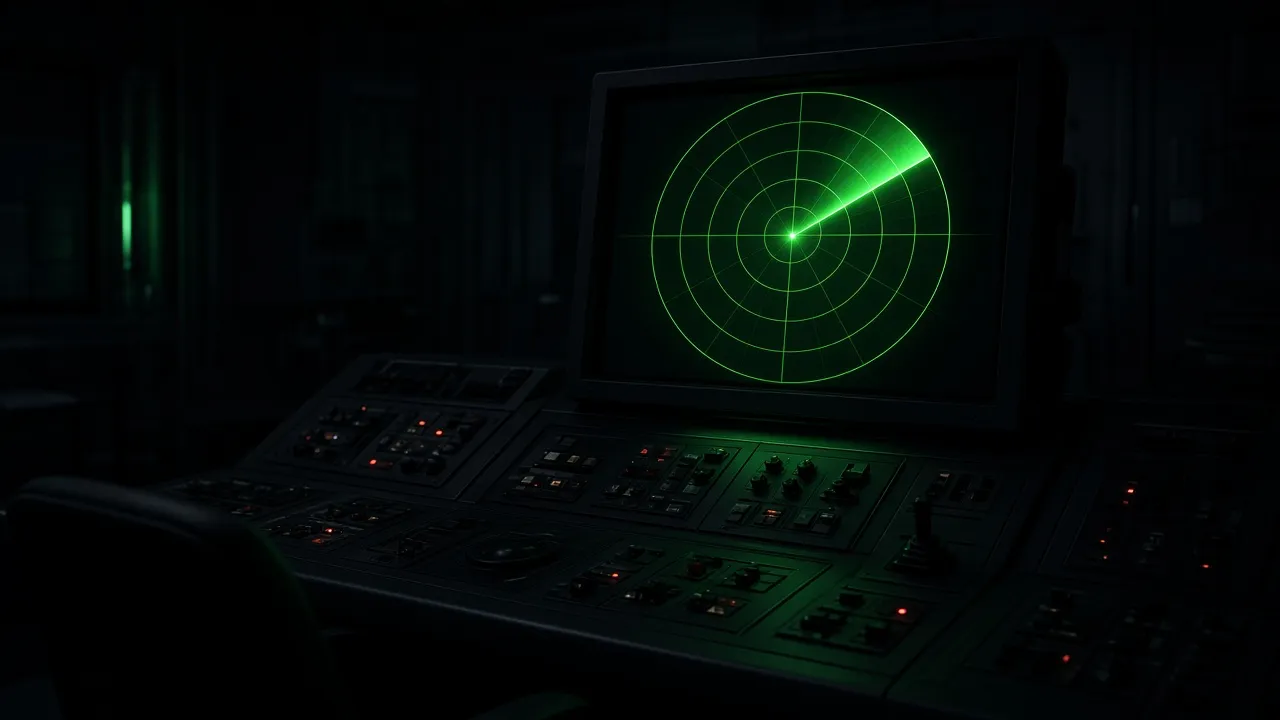
Classic military radar and sonar systems utilize circular plan position indicators (PPI), where a rotating electron sweep beam illuminates target echoes on a circular phosphor screen. Because early cathode ray tube (CRT) phosphors had long persistence decay, targets would glow brightly upon sweep contact and slowly fade into the dark background, providing operators with a real-time tactical map.
The sweep is a canvas drawing. Speed is a slider from 0.25× to 3×, and the world grid is a local sketch. It is not a shader, a receiver, or a fixed 60 FPS instrument.
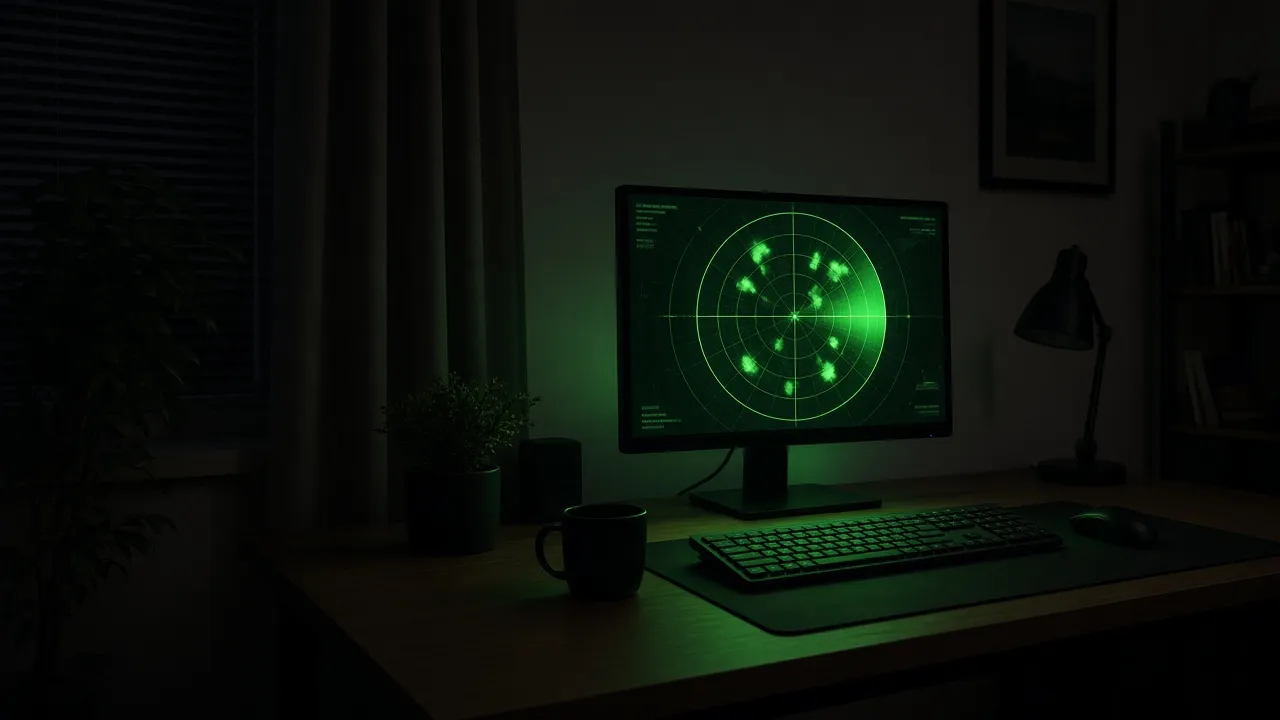
The blips are twelve fictional dots placed at random. The sweep is a drawing, not a receiver, so it cannot show aircraft, weather, or the location of any person.
How to use it
How to use Radar Screen Simulator
Three simple steps. No install, no sign-up, no upload.
- 01
Open the radar screen
Launch the simulator in any desktop or mobile browser.
- 02
Adjust sweep speed & blips
Configure sweep rotation rates and target density using the sidebar controls.
- 03
Toggle borderless fullscreen
Press F or click the fullscreen button to expand the radar across your entire monitor.
- 04
Press Esc to exit
When finished, hit Esc to return to standard desktop mode.
Why this tool
Why choose Radar Screen Simulator
Engineered for distraction-free performance, privacy, and zero latency.
- 01
Hardware-Accelerated Fluidity
Rendered on pure Canvas 2D with zero lag, low CPU overhead, and whisper-quiet battery efficiency on laptops.
- 02
Zero Plugin Requirement
Operates natively in modern browsers without needing Flash, Unity WebGL, or heavy external downloads.
- 03
Keeps Monitor Awake
On Radar Screen Simulator, Keep screen awake starts checked, but the browser is asked to hold the display only while the page is fullscreen. If the browser refuses, the status line says the display may still dim. Closing the lid can still sleep the computer.
- 04
Ideal for Dark Studio Environments
Deep OLED blacks and luminous phosphor greens create outstanding cinematic contrast for video backdrops.
Practical Use Cases
What people use Radar Screen Simulator for
Real-world scenarios with tested setup parameters and operational guidance.
Sci-Fi Film & Twitch Streaming Backdrop
Place on an auxiliary monitor behind your streaming desk or film set to create a genuine submarine, spaceship, or command bunker ambience.
SetupFullscreen · Dark Room · 60 FPS SweepActionPosition secondary monitor in camera frame.NoteAngle monitor to avoid direct studio light reflection.Submarine & Aviation Escape Room Prop
Use tablet or touch displays in escape room puzzles to simulate active sonar sweeps and target detection sequences.
SetupMedium Sweep Speed · High Blip DensityActionMount tablet into wooden or metallic console frame.NoteLock browser in kiosk mode to prevent player tampering.Ambient Office & Focus Screen
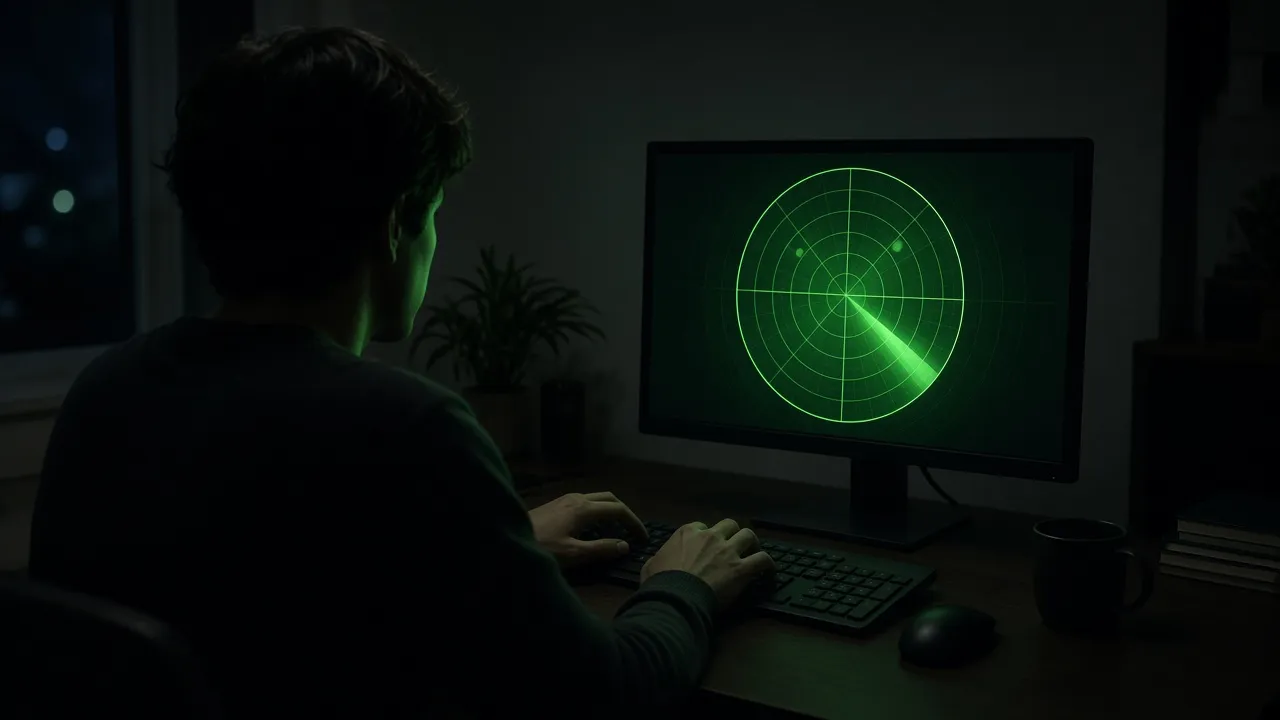
Provide a calming, hypnotic visual backdrop during deep coding, writing, or reading sessions without distracting motion graphics.
SetupSlow Sweep · Minimal BlipsActionRun on secondary portrait or landscape screen.NoteLower screen brightness to maintain focus.Military History & Navigation Teaching
Demonstrate the visual operation of plan position indicator (PPI) radar systems in classrooms and maritime education seminars.
SetupClassroom Projector · FullscreenActionExplain sweep rates, target decay, and bearing lines.NoteClarify that this is an educational visual model.
Pro tips
Tips & limits
Honest notes from real-world use. No fluff.
- Note
In dark rooms, decrease your monitor brightness slightly to give the green sweep an authentic CRT glow.
- Note
Press F to enter fullscreen instantly and remove all browser tabs and operating system taskbars.
- Note
The simulator uses minimal power, making it safe to leave running on laptops for hours.
- Note
Press Esc or tap the screen at any point to exit back to your desktop applications.
FAQ
Frequently asked questions
Straight answers about how Radar Screen Simulator works.
Does this radar screen connect to real air traffic or maritime radar data?
The sweep is a drawing, not a receiver, so it cannot show aircraft, weather, or the location of any person. Sweep speed and the world grid overlay are canvas controls in this tab.
How do I make the radar screen full screen?
Click the "Click for Fullscreen" button in the corner of the preview or simply press the F key on your physical keyboard.
Can I change the sweep speed of the radar beam?
Yes. Use the controls panel in the sidebar to speed up or slow down the sweep rotation velocity.
For Radar Screen Simulator, Keep screen awake starts checked, but the browser is asked to hold the display only while the page is fullscreen. If the browser refuses, the status line says the display may still dim. Closing the lid can still sleep the computer.
If you leave Radar Screen Simulator up, Keep screen awake starts checked, but the browser is asked to hold the display only while the page is fullscreen. If the browser refuses, the status line says the display may still dim. Closing the lid can still sleep the computer.
Does this tool run on mobile phones and tablets?
Yes! It is fully responsive and touch-compatible across iOS, iPadOS, Android, Windows, and Mac devices.
Can I use this as a background screen on Twitch or YouTube streams?
Yes. Content creators frequently use this simulator as a futuristic or military sci-fi backdrop for their streaming setups.
Why are the radar rings and lines green?
Classic cathode-ray tube (CRT) radars used green P1/P7 phosphors because human vision is most sensitive to green wavelengths in low-light environments.
Does this page consume heavy CPU or battery power?
No. The canvas animation is optimized for minimal draw overhead, consuming negligible CPU resources on modern hardware.
How do I exit fullscreen mode for Radar Screen Simulator?
Press the Esc key on your keyboard or tap the top edge of your screen to exit fullscreen instantly.
Is this simulator completely free to use for Radar Screen Simulator?
Yes, it is 100% free with no registration, no watermarks, and no software installation required.
Ready when you are
Launch Radar Screen Simulator
Instant fullscreen mode in your browser — zero install, zero sign-up.
Go fullscreen